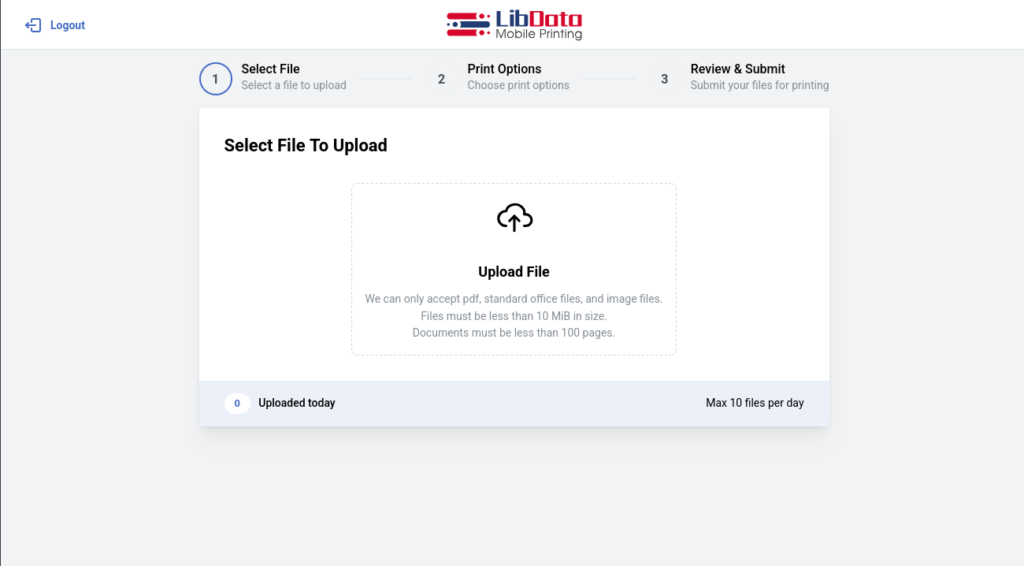
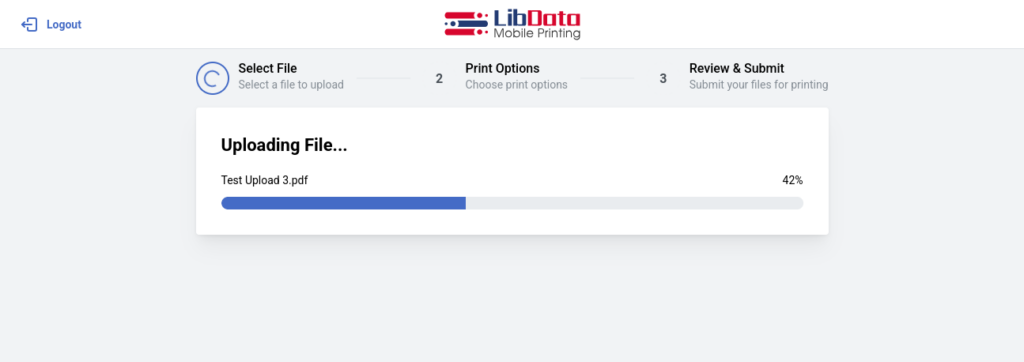
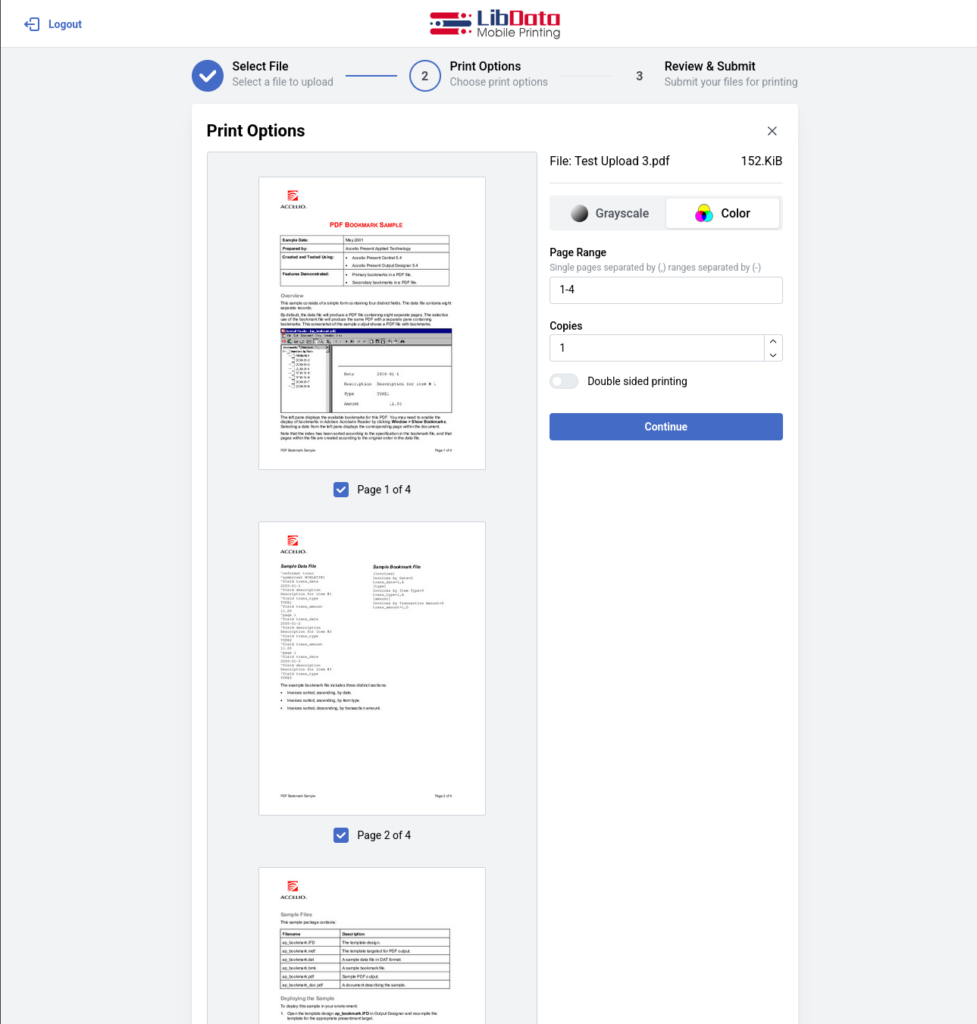
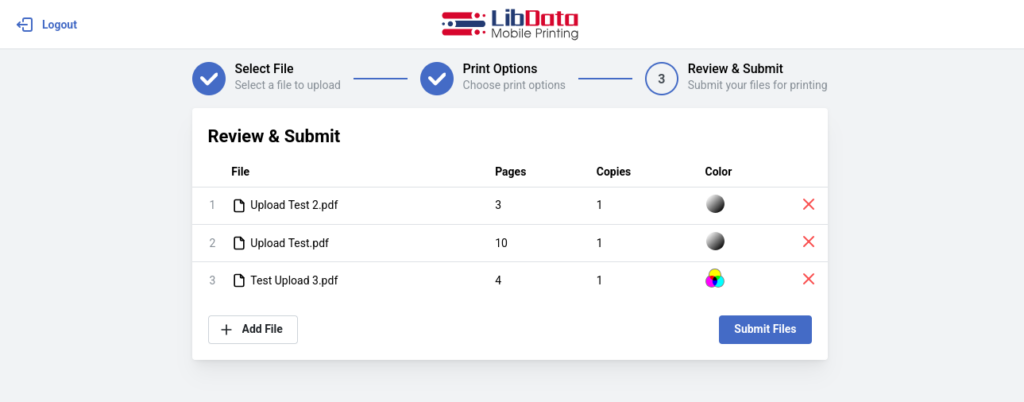
1. Open webpage or app..., 2. Upload file..., 3. Print!
It's that easy!
Why Mobile Print?
In business, convenience draws people. This is especially true if your business allows printing by guests. In our increasingly busy world, the need for flexible, convenient printing isn't just an occasional occurrence anymore. It has quickly become a way of life.
Allow your guests to print more than a dozen different file formats to your local printer without the need to manually open the file for processing. LibData software automatically processes the attached file and gives you the option of printing automatically or manually.
Do you like Mobile Printing? We are ready to help you get the printing experience you and your guests deserve. Contact us during our normal business hours via phone, or email. You'll be glad you did!
Guests may desire to print directly
from their personal devices without connecting to your wifi network.
A guest may need to print something,
but you have no computers available.
And of course, guests may want to print
from their hotel room or home and then pick up the print job at your location.
Imagine if you could solve all of these problems by allowing your patrons to
simply open a webpage or APP and uploading a file, no need to open the file for
processing.
LibData Mobile Print empowers you to do just that!
LibData Mobile Print is essential for any business providing a powerful yet affordable solution that makes mobile printing easy and effective to allow you
to keep your guests and clients content while freeing you to keep your focus on more important tasks!
HOW DOES IT WORK?
1
A guest arrives at your place of business with the need to print from their mobile device.
2
The guest can scan a QR code, open a mobile app on their phone, or access a web page.
3
They can then upload an image, or on a mobile device, use the share option to send an attachment directly to the app.
4
LibData software converts the file to PDF format.
5
The converted image shows up ready to be printed in the LibData Print interface accessed through a Chrome web browser for easy print release across OS platforms.
This entire process usually takes less than a minute to complete!
LibData Mobile Print can convert MS Word (doc/ docx), PowerPoint (ppt/pptx), as well as pdf, jpg, html, txt, png, bmp, email, and entire websites for printing. Our software even allows for image files to be printed in a variety of sizes (2x3, 3x5, 4x6, 5x7, and 8x10). All file conversion is done by the software itself with no interaction from the user.